
Singapore Company Corppass Account Setup Process and User Guide
Corppass is an enterprise identity authentication system launched by the Singapore government, used to authorize and manage corporate users' access to government e-services. Every Singapore company needs to authenticate and authorize through Corppass when using government digital services. This article will provide a detailed introduction to the Corppass account setup process and usage methods.
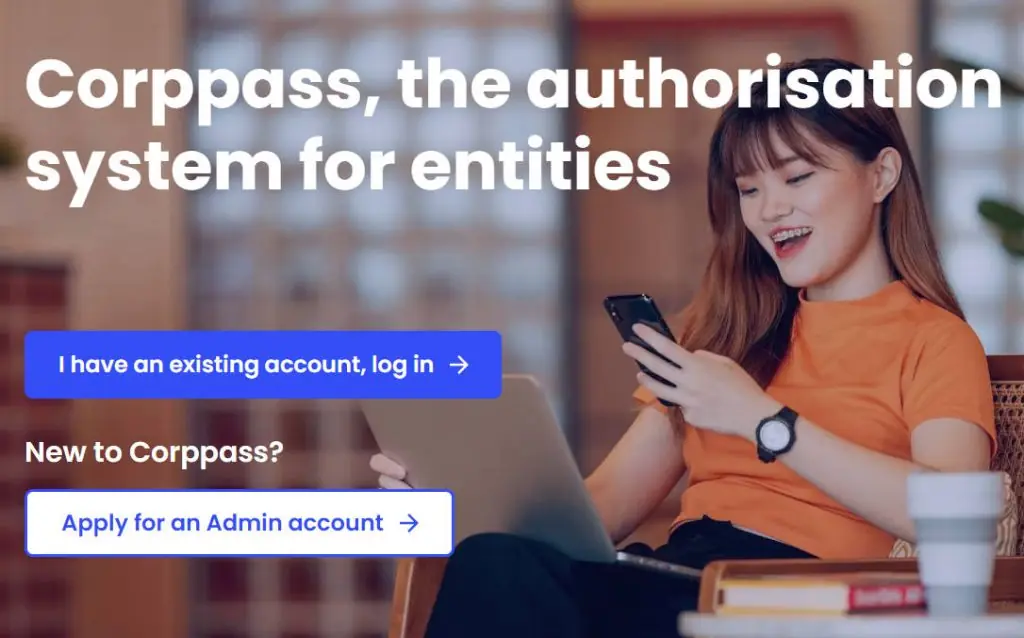
1. Introduction to Corppass
Corppass is the Singapore government's official corporate user identity management system, primarily used to manage corporate and employee access rights to government digital services. Through Corppass, companies can authorize employees to handle business matters, submit documents, and conduct electronic transactions, ensuring that the company's digital operations are secure and reliable.
2. Corppass Account Setup Process
- Preparation Before setting up Corppass, companies need to ensure they are registered as a legal business entity and have a valid Unique Entity Number (UEN) with the Singapore Company Registration Authority (ACRA) or other relevant agencies.
- Access the Corppass Official Website Open the Corppass official website (https://www.corppass.gov.sg), and once on the page, click on the "Register Corppass Account" option.
- Login and Set Up Administrator Account Log in using the company's UEN and set up a Corppass administrator account. The Corppass administrator is responsible for managing the company's Corppass account and user access rights, typically a company director, partner, or authorized senior manager.
- Verify Information The system will require verification of company information and filling in the administrator's personal details (such as name, ID number, contact information, etc.). After successful verification, the administrator account creation will be completed.
- Set User Permissions The Corppass administrator can create sub-accounts for other employees and set different permission levels. Based on business needs, administrators can choose to grant employees access to specific government agencies, such as tax filing, e-procurement, or employment pass applications.
3. Main Functions and Usage Methods of Corppass
- Authorize and Manage Corporate Users
- Corppass allows corporate administrators to grant access permissions to employees. Companies can set different access levels and permissions for employees based on business needs, ensuring only authorized personnel can handle company affairs.
- Administrators can modify or revoke employee access permissions at any time to handle employee resignations or role changes.
- Access Government E-Services
- Through Corppass, companies can access over 200 government e-services, including tax filing, business registration, human resource management, and more.
- When employees access these services, they simply need to log in using Corppass and select the authorized services.
- Review Access Records
- The Corppass system records the time of each login and operation. Corporate administrators can regularly review access records to ensure account usage security.
4. Frequently Asked Questions
- How to Change Administrator? If you need to change the Corppass administrator, the company should submit a change request on the Corppass website. The new administrator will need to re-verify their identity information and complete the handover of administrator privileges.
- How to Cancel Permissions After Employee Departure? When an employee leaves or their position changes, the administrator should immediately log into the Corppass system and revoke that employee's access permissions to ensure the security of company data and information.
- What to Do If Password Is Forgotten? If the administrator or user forgets their login password, they can reset it through the "Forgot Password" function in the Corppass system. The system will send a verification code to the email or mobile number registered during setup for identity verification and password reset.
5. Important Considerations When Using Corppass
- Regularly Check User Permissions Companies should regularly check and update user permissions in Corppass accounts to avoid expired access rights or unnecessary risks.
- Ensure Administrator Information Accuracy Administrators should ensure the accuracy of personal information and promptly update contact details to receive system notifications and security alerts.
- Use Secure Login Methods Enable two-factor authentication (2FA) whenever possible to enhance account security and prevent unauthorized access.
Summary
Corppass is an important tool for Singapore companies to access government e-services. Through proper setup and permission management, companies can ensure safe and efficient digital operations. Understanding the Corppass setup process and usage methods helps companies better utilize government digital services and improve management efficiency. Companies should regularly check permission settings to maintain system security and reliability.
For more information about the Corppass setup process and additional details, please contact our business consultants.